
Product families and detail pages
Browse by equipment family, then open a detail page for the product-level introduction, application, and parameter table.
Main product families
Each family keeps a flat detail URL and a focused selection path.
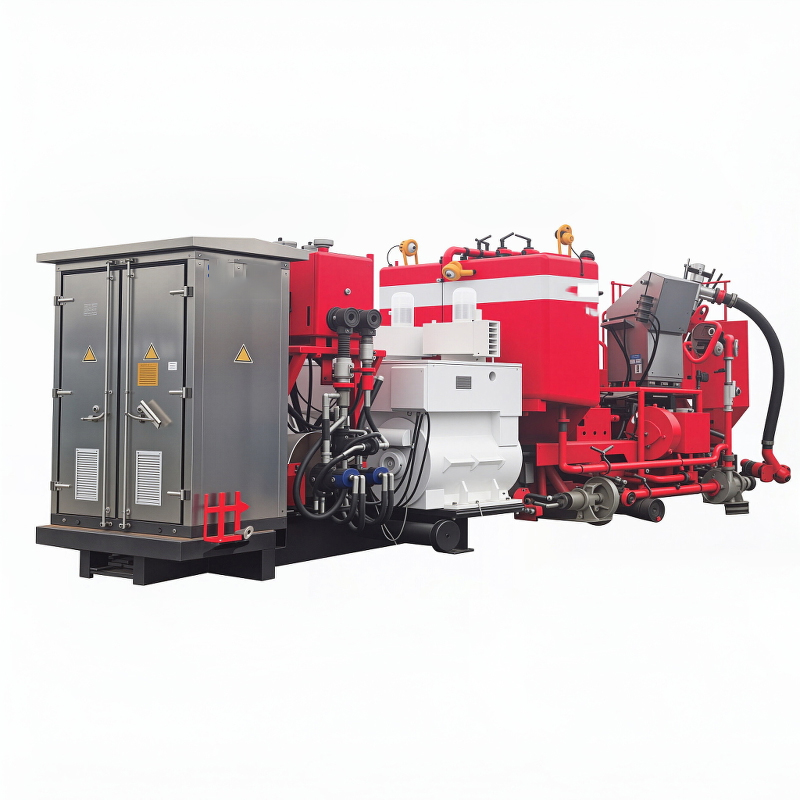
Cementing Equipment
Cementing equipment for truck, trailer, and skid-mounted operations in land, desert, and offshore projects.
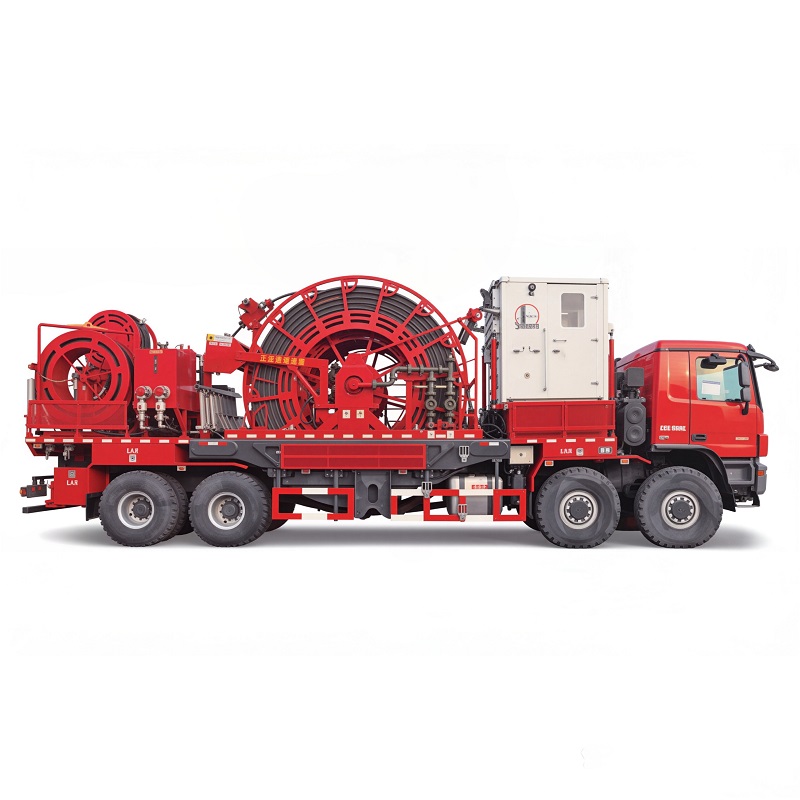
Coiled Tubing Units
Coiled tubing units for intervention, plug-drill, pumping support, and compact field deployment.

Drilling Equipment
Drilling rigs and rig packages for fast-moving, automated, cold-weather, desert, and cluster-well operations.
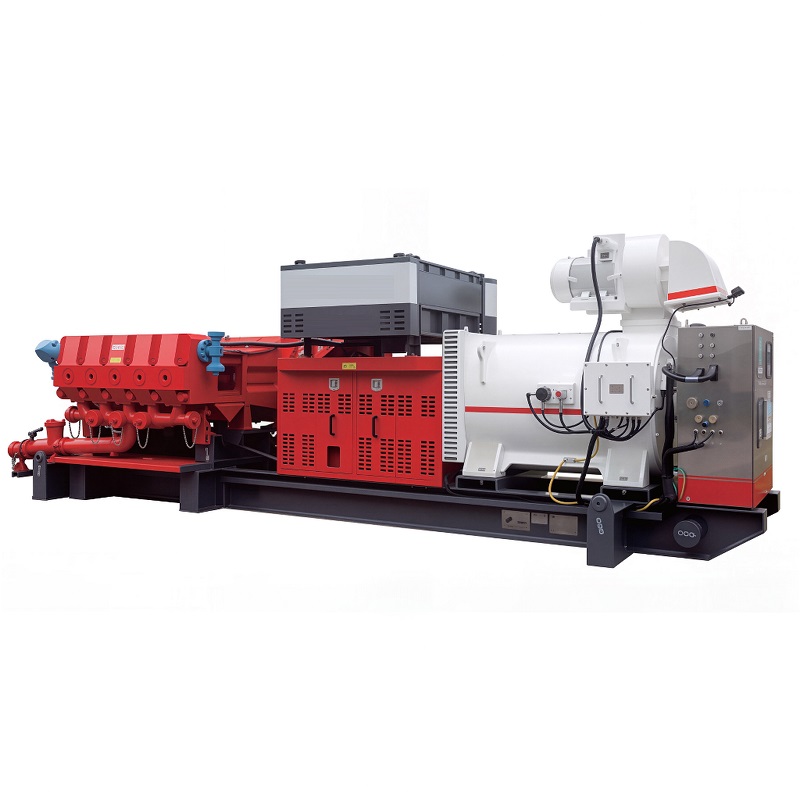
Fracturing Equipment
Fracturing equipment covering electric skids, pump trucks, sand blending units, and continuous mixing systems.
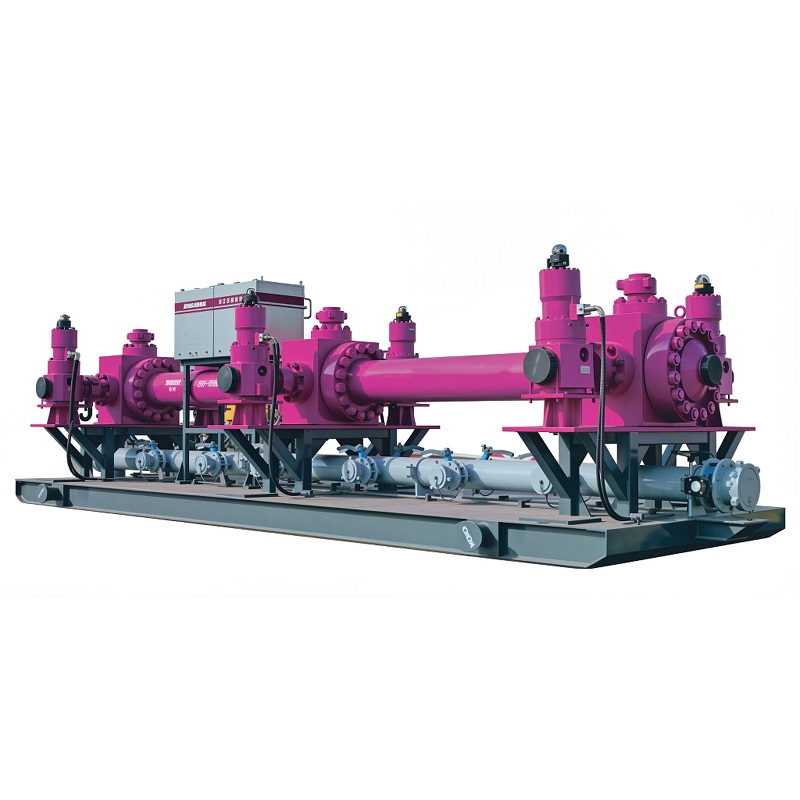
High Pressure Fluid Control Products
High pressure manifolds, wellhead devices, lubricators, testing manifolds, and fluid control elements for demanding field use.
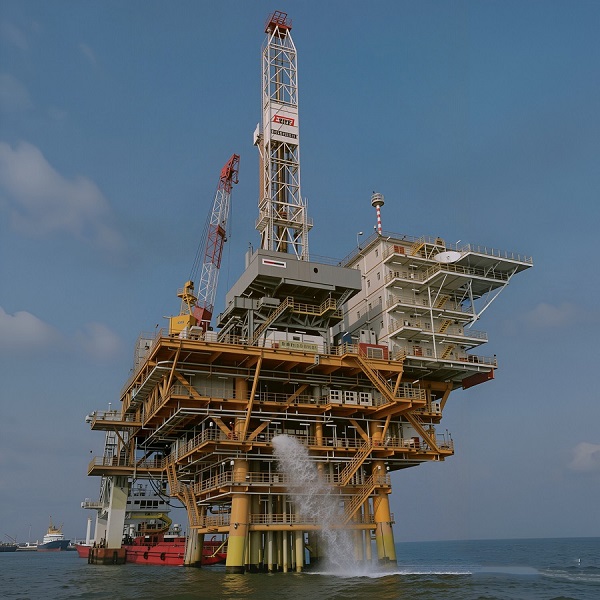
Offshore Equipment
Offshore drilling, workover, cementing, and fracturing equipment designed for platform installation and marine conditions.
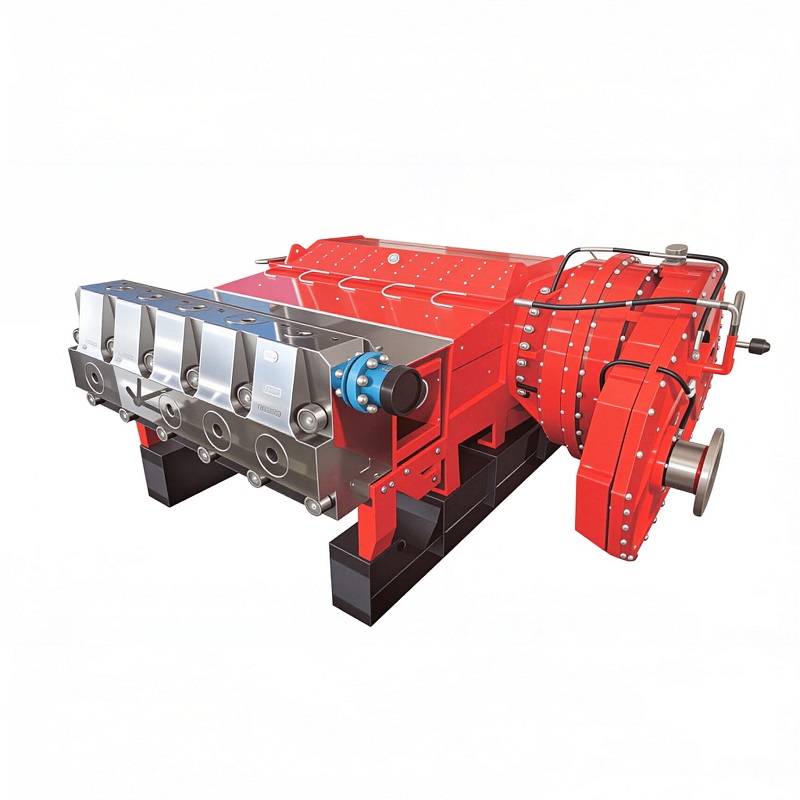
Pumping Unit
Pump families for mud circulation, plunger service, fracturing duty, and skid-mounted field deployment.
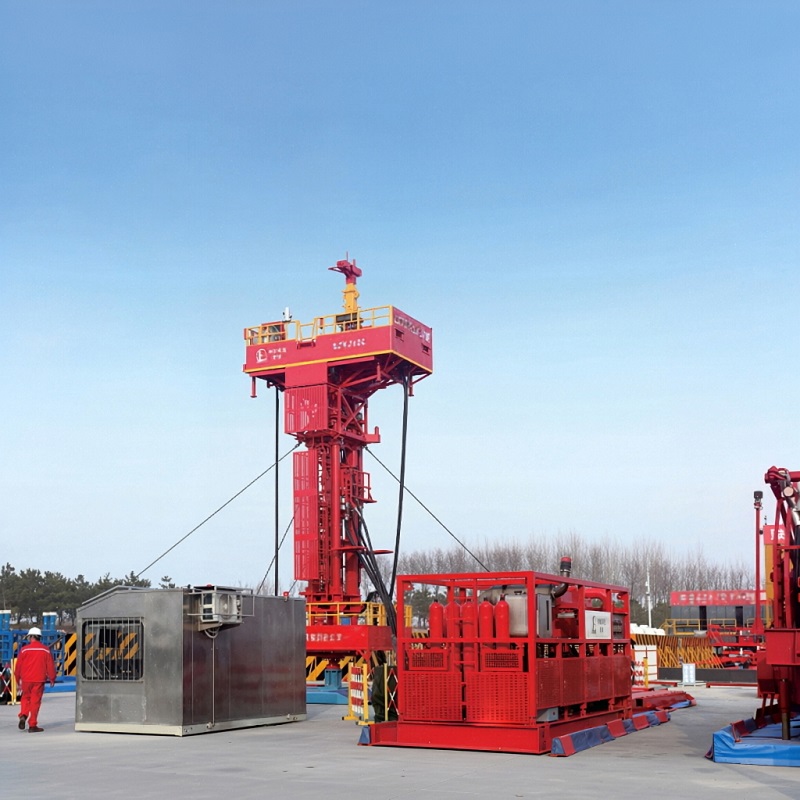
Snubbing Units
Snubbing and hydraulic workover units for low, medium, and high pressure wells across land and offshore jobs.
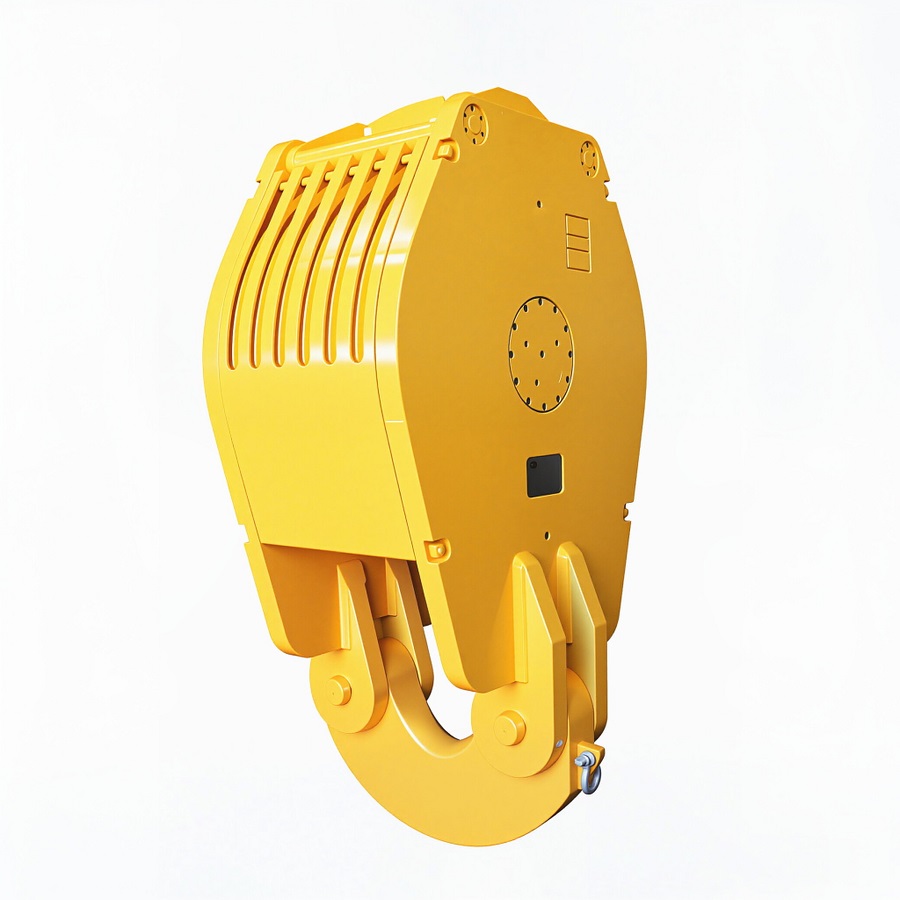
Traveling Blocks
Traveling blocks presented as a hoisting component family for rig hoisting work.
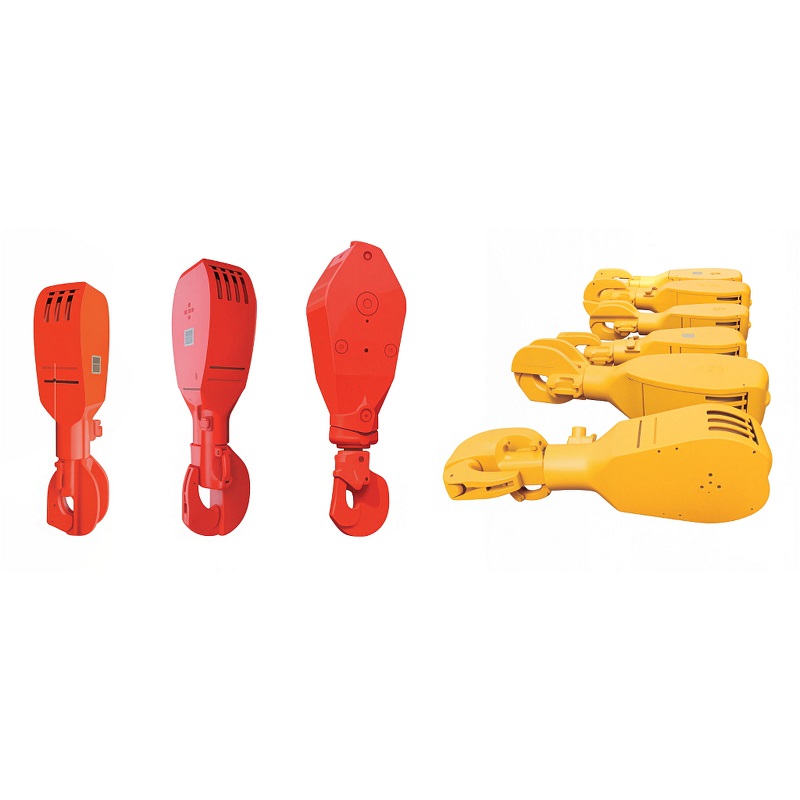
Travelling Hook
Travelling hook component page for suspension and load handling work.
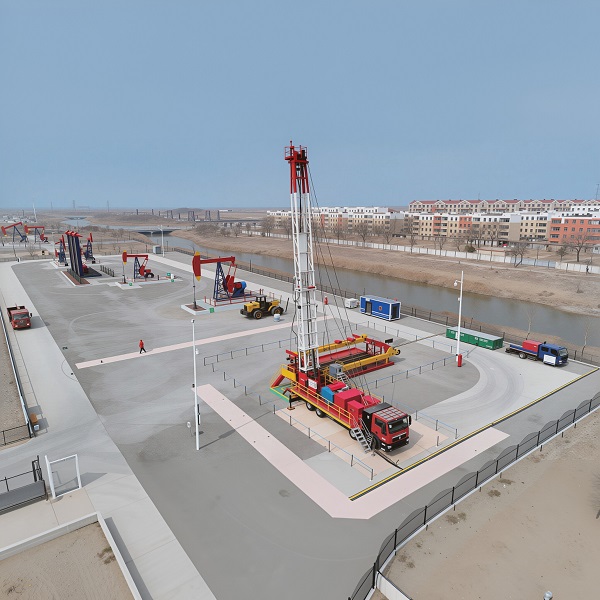
Workover Rigs
Self-propelled, electric-drive, battery storage, LNG, cold-weather, desert, and mountain workover rigs for varied field conditions.
What buyers compare
Use the category pages to compare the factors that matter most.
Mounting type, mobility, capacity, pressure class, drive system, terrain adaptation, and installation constraints are handled by category.
News and FAQ
A short route to the explanation pages that support model selection.
What a model page contains
Use the same sequence on every family.
The category page filters the family. The product page gives the proof: product photo, source text, application note, parameter section, and related reading. That keeps the buyer from treating a single image as the full specification.
When the source document contains a real parameter table image, the model page shows it directly. When it does not, the page uses a conservative reference table rather than pretending to have a datasheet that was never provided.
How the product area is organized
This keeps the path short for overseas buyers who want a quick technical comparison.
Each category page filters the family by working condition, mounting form, and operating role, so the buyer can move from the general group to the exact model without opening unrelated pages.
Each product page then focuses on the model-level application, source text, and parameter image or table, which is the part that matters most during supplier comparison.
If a model has a real source parameter table, the page shows it directly. If the source document does not provide one, the page uses a conservative generated reference table instead of a fake datasheet.
What to check first
Keep the shortlist logic tight.
For drilling and workover equipment, start with depth, mobility, terrain, and transport height. For cementing, fracturing, and fluid-control equipment, start with pressure, capacity, mounting form, and connection method.
That same order works across the catalog: family first, then model, then parameter table, then inquiry. It keeps the path short and avoids pages that read like a generic brochure with no decision logic.
The structure also helps buyers who are comparing multiple suppliers, because the site exposes the same decision fields they would normally ask for in a quotation round.
Fast comparison path
A short checklist for moving from family to model.
- Start with the equipment family that matches the job type.
- Compare mounting type, mobility, and site constraint first.
- Open the model page for the practical specification and parameter block.
- Use Contact Us when the working condition is clear enough for quotation.
Why this structure helps
Overseas buyers usually make the first cut based on fit, installation logic, and whether the page clearly separates one model from another. That is why the product area is built around category pages, product pages, and direct inquiry access.
What to read first
A short technical filter for industrial buyers.
For drilling and workover equipment, the first technical filter is usually depth class, mobility, and terrain fit. For cementing, fracturing, and fluid-control equipment, the first filter is pressure, capacity, and how the package is mounted or connected.
That order keeps the comparison path short and prevents the page from turning into a broad catalog with no decision logic.